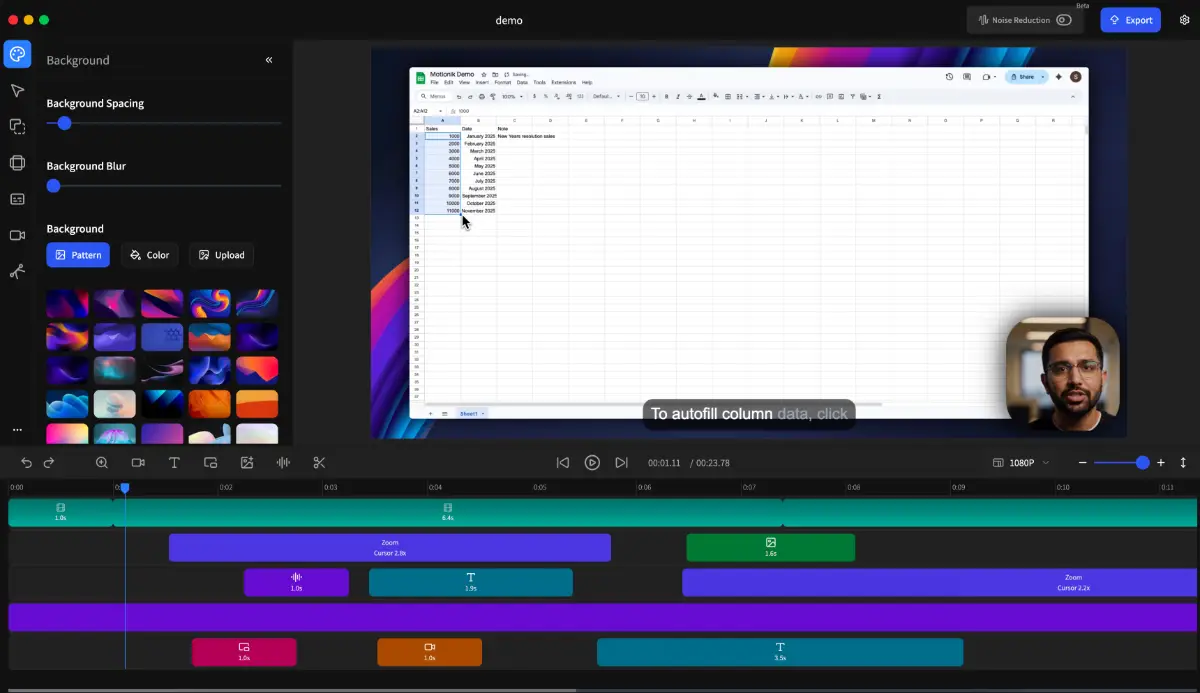
Motionik is a screen recorder with a built-in editor for creating engaging product demos, tutorials and explainer videos.
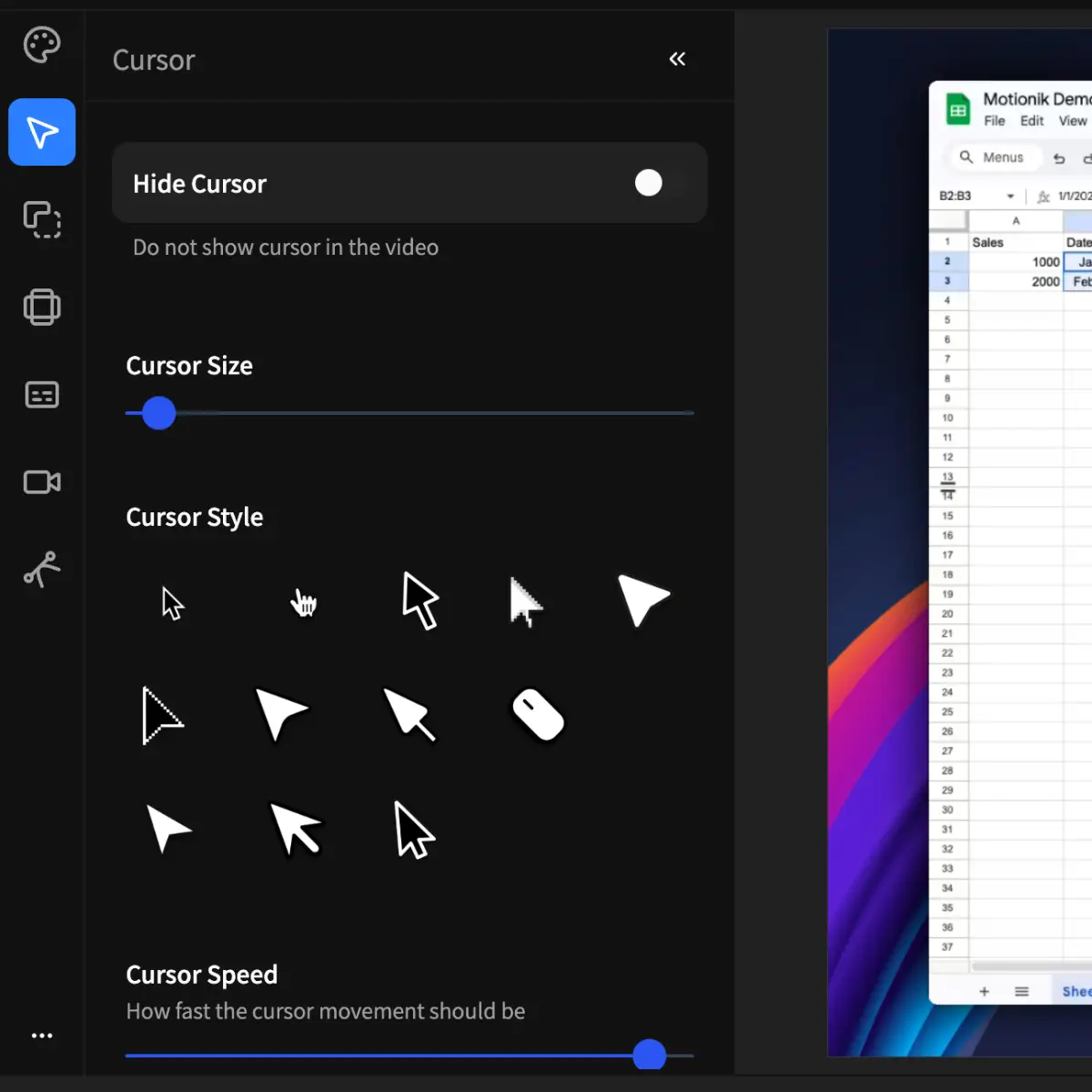
Its core feature: auto zoom with smart cursor tracking and customizable backgrounds - makes recordings more interactive and naturally focused without needing manual editing.
Users can also add overlays like camera, text, images, masks, highlights, along with custom audio tracks to make videos more dynamic and professional.
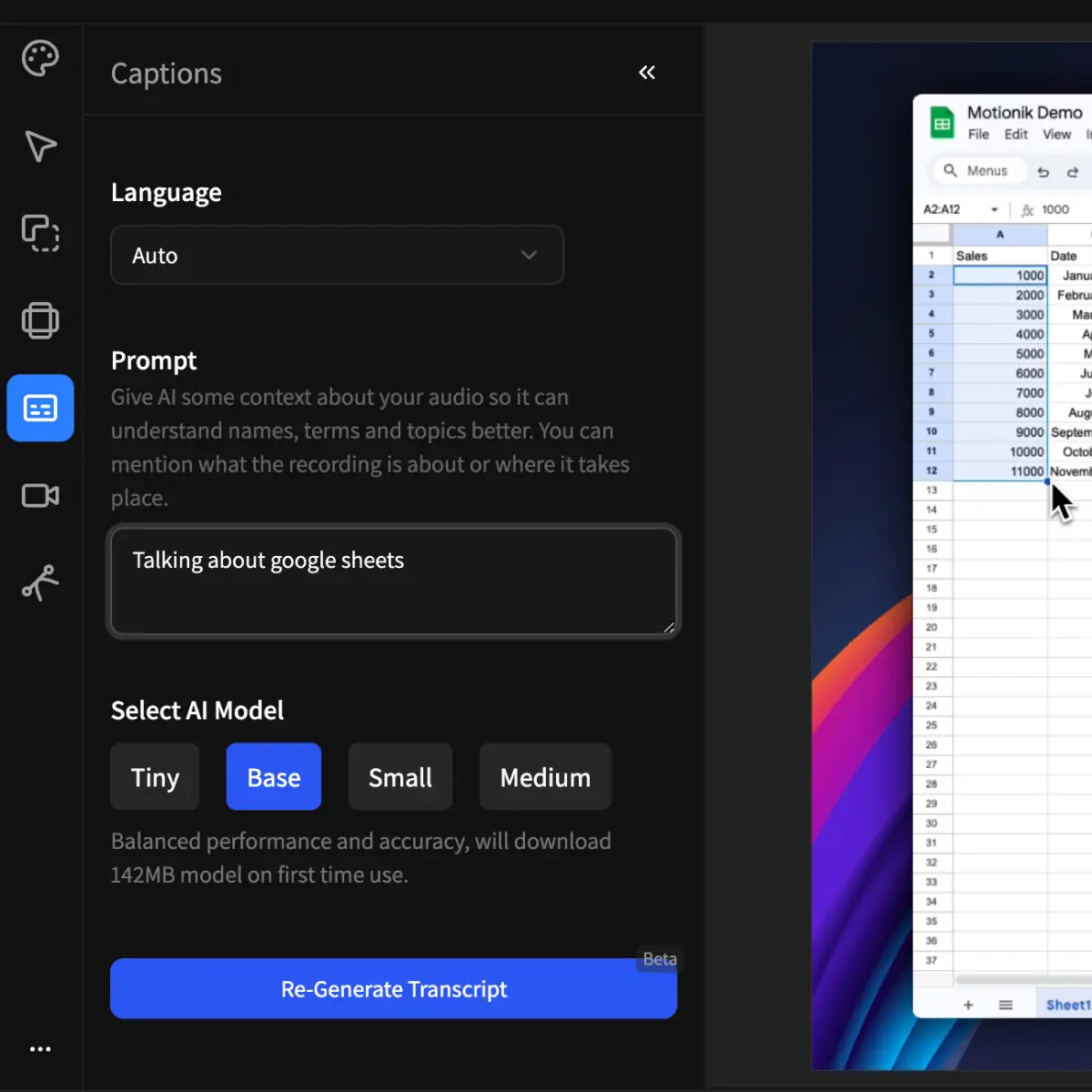
Users can also generate AI-powered captions from mic audio and apply karaoke-style caption overlays for more engaging viewing experience.
💡 Additional features include:
※ Record Screen, Window or Custom area & system audio.
※ Border radius and shadows.
※ Adjust camera position, shadow & shape.
※ Apply motion blur in cursor movement.
※ Trim video to cut fragments from the video.
※ Export video in multiple adjustable quality and aspect ratios.
Users can record, edit and export unlimited videos for free with a Motionik watermark or remove the watermark with a subscription or one-time purchase.