Jun 16, 2026-Reviews
ai cofounder Review - An AI Partner From Idea to Launch
We've tested ai cofounder, the AI partner that guides founders step by step from idea to launch with phases, deep research, and a persistent canvas.
Welcome to this ai cofounder (aicofounder.com) review ✨
Let's be honest: most "AI for founders" tools are just a chat box wearing a startup costume 😅. You ask a question, you get an answer, and you're still the one left staring at the screen wondering what to actually do next. ai cofounder is chasing something way more ambitious: an AI that behaves like a real cofounder, walking you step by step from a raw idea all the way to a launched company.
I went in skeptical. Could an AI really pull that off, or was this just another wrapper with a fancy system prompt? So I did the only fair thing: I gave it a real project to chew on and watched closely for the moments where it impressed me and the moments where it pushed back. In this ai cofounder review, I'll cover how it works, the features that genuinely stand out (its phases, ultraplan, research, and canvas), what it costs, and who it's actually for.
And if you got here by googling "is ai cofounder legit?" — the short answer from my testing is yes, and below I'll show you exactly why. Let's dive in! 🚀
Getting Started & First Impressions
ai cofounder's tagline sets the tone right away: "Make something people actually want." The landing page says it's "trusted by 90,000+ founders," and the second you start a project, the positioning clicks into place. This thing is built around a process, not a prompt box.
I gave it a real idea to wrestle with: a suite of privacy-first desktop and mobile apps (journaling, notes, personal finance, to-dos), sold as one-time purchases instead of subscriptions, with all data kept local and encrypted on device. I called it CoveApps 🛡️.
The onboarding was a bit long, I'll admit, but it was thorough. It asked me to describe the project, my goals, my current stage, all of it.
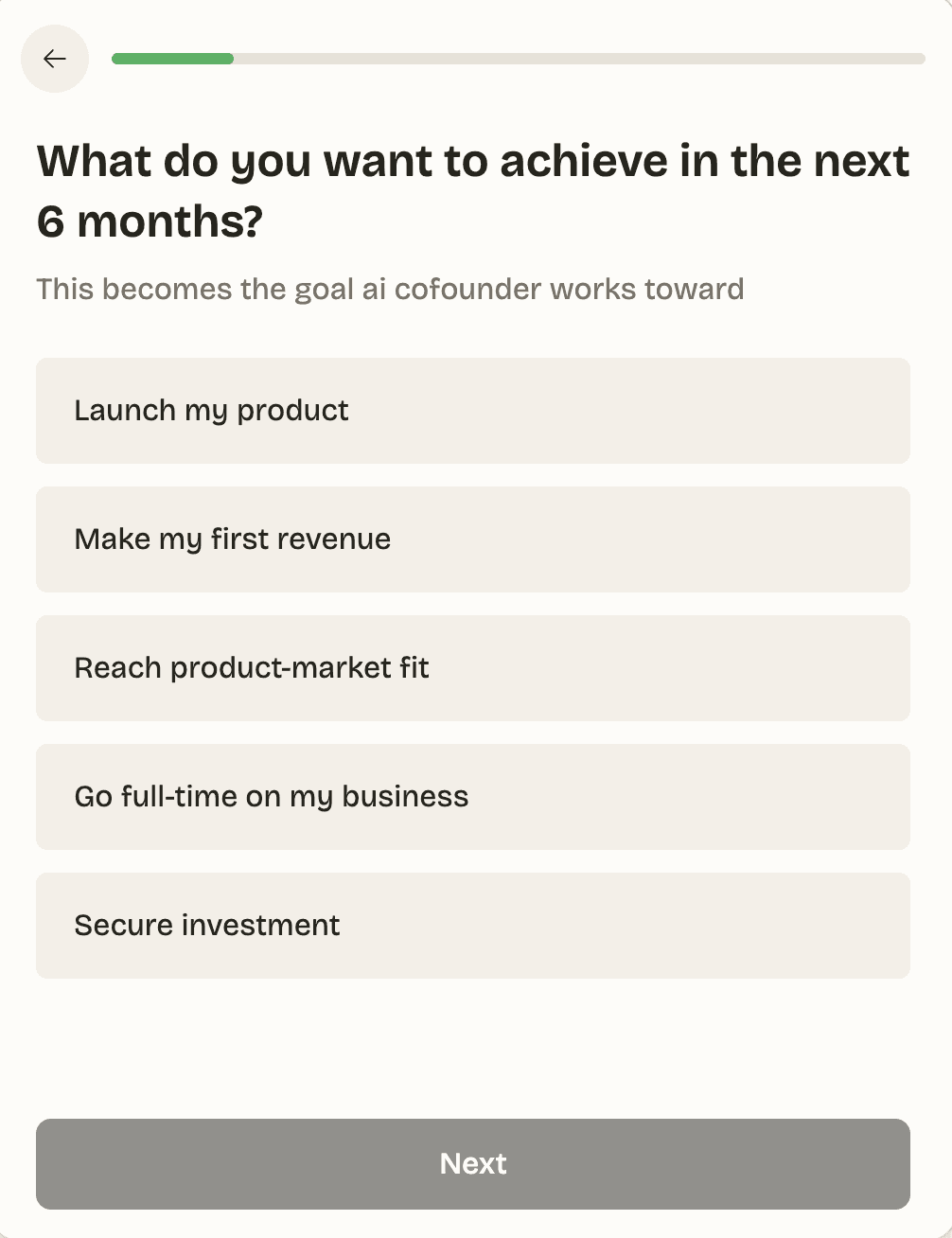
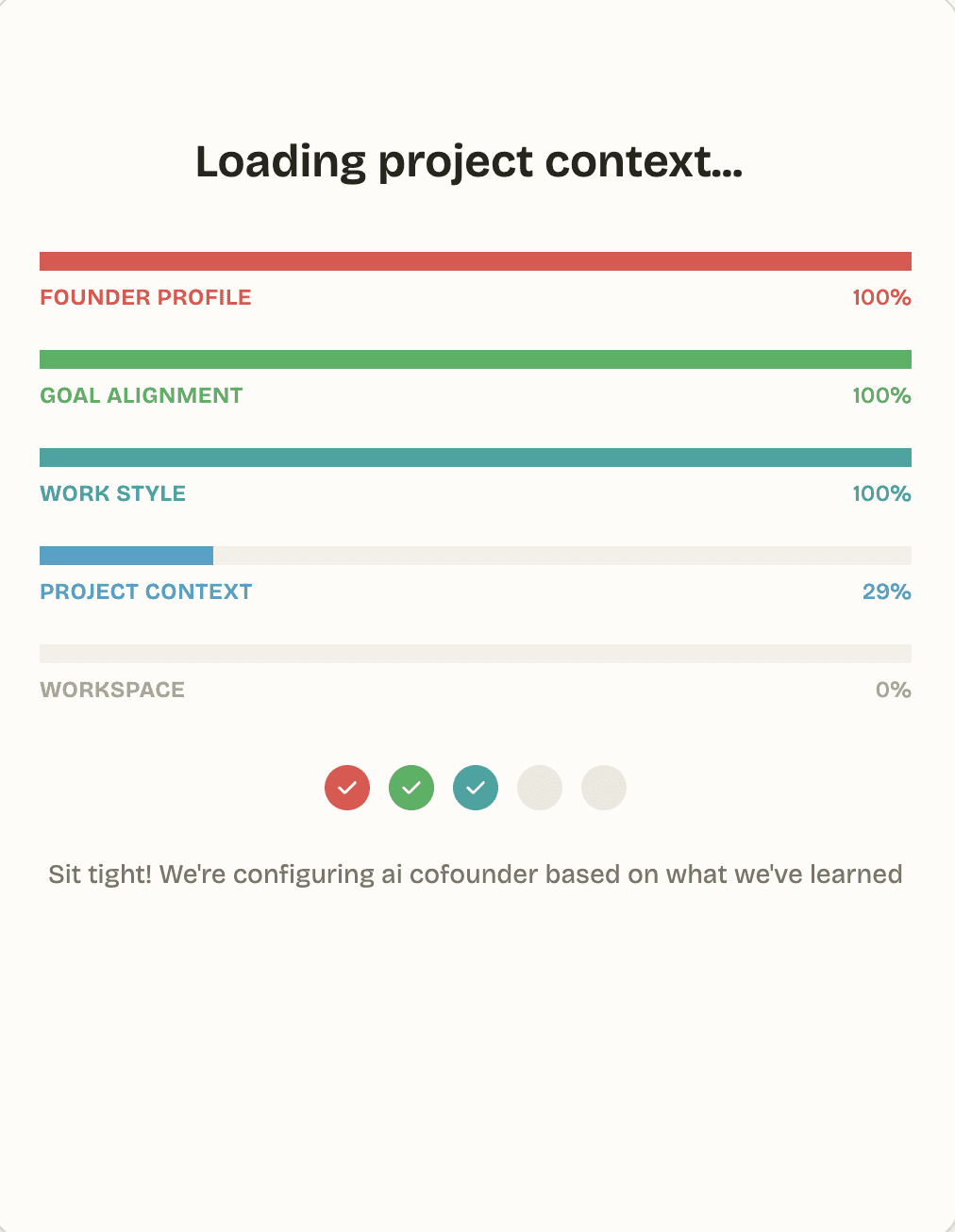
Then it went away, analyzed everything I'd written, and set up my dashboard and canvas:
Here's where it got interesting. Instead of instantly spitting out a generic business plan, ai cofounder took the lead and started asking focused questions, one at a time, to really understand who I am, where the project actually stands, and what I'm trying to achieve.
And it was genuinely paying attention 👀. At one point I described the project as "idea stage," and it caught that this contradicted something I'd said earlier:
"Before we go deeper, there's a small contradiction worth sorting out: you mentioned you have a prototype or MVP, but just now you said you're at the idea stage. Which is closer to where things actually stand?"
I did not expect that 😳. That's exactly the kind of inconsistency a real cofounder flags and a yes-man AI happily glosses over. And it kept the rigor up the whole way: when I gave it a lazy target customer ("privacy-conscious users"), it pushed me to get specific about who, in what situation. When I tried to rush it ("I think I have enough context, can we map out the phases?"), it politely refused: "Not quite yet, there are a couple of gaps that will directly shape the phases, and skipping them produces a worse roadmap."
If you're used to AI that tells you whatever you want to hear, this is a refreshing (and occasionally humbling 😂) change of pace.
Core Features & Functionality
The canvas
Visually, the platform is split in two: a chat on the left, and a canvas on the right. The canvas is where the real work lives.
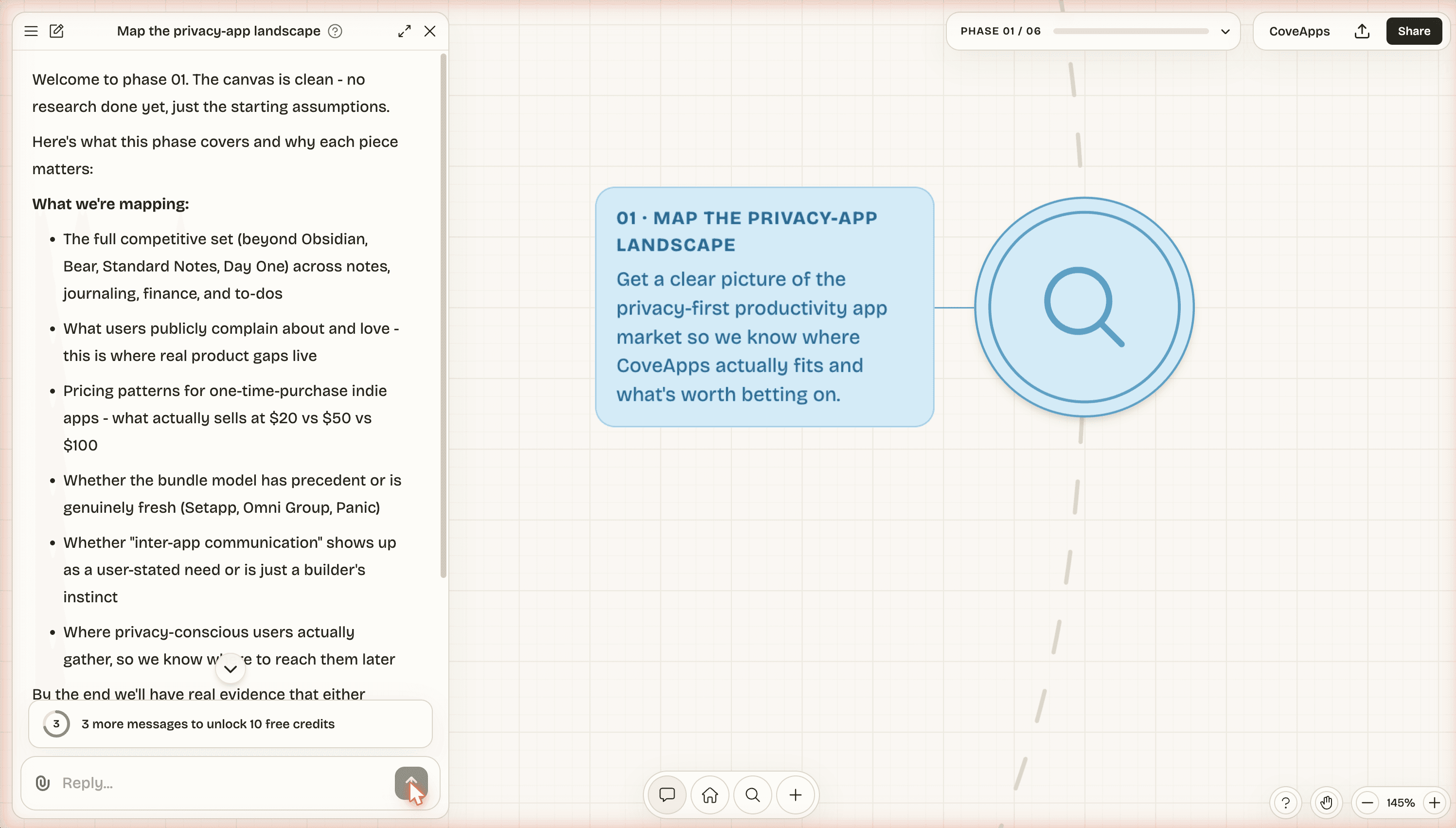
As we talked, ai cofounder quietly created a document on the canvas called "The idea," capturing the essence of my project. And when I later corrected the project's stage, it didn't just nod along in chat. It rewrote the document live to match the new reality 🤯.
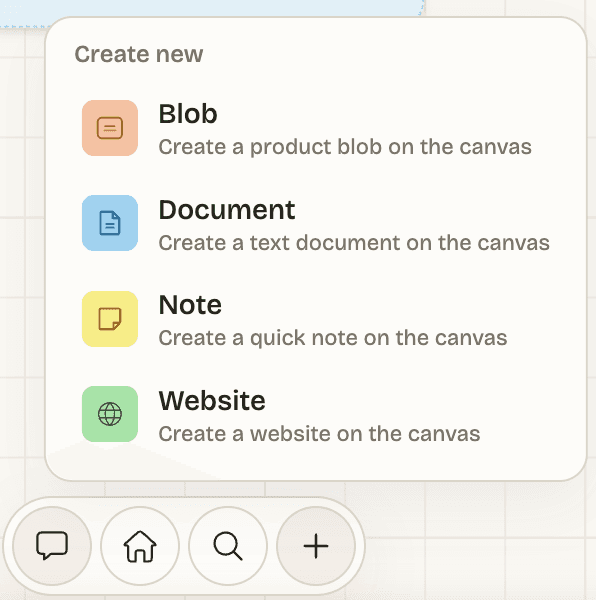
That's the entire point of the canvas. Chats are transient; the canvas is permanent. Documents, notes, websites, and research all persist across conversations, so your project's "brain" builds up over time instead of vanishing into scrollback. You can drop different kinds of blocks onto it as you go:
There's more detail in the canvas docs if you want to go deeper.
Phases & ultraplan
This is the core of the product, and honestly my favorite part 🎯. Rather than dumping a generic startup checklist on you, ai cofounder maps out step-by-step phases that take you from where you are today to where you want to go, then helps you work through each one. Each phase is its own focused chat, with the right tools for that step.
Those phases are created by ultraplan, ai cofounder's strategic planning agent, and it's the first real milestone of the process. Once enough context is gathered, everything gets handed off to ultraplan, which steps back and assesses your whole project with fresh eyes. It even asks you to approve the move before it starts planning:
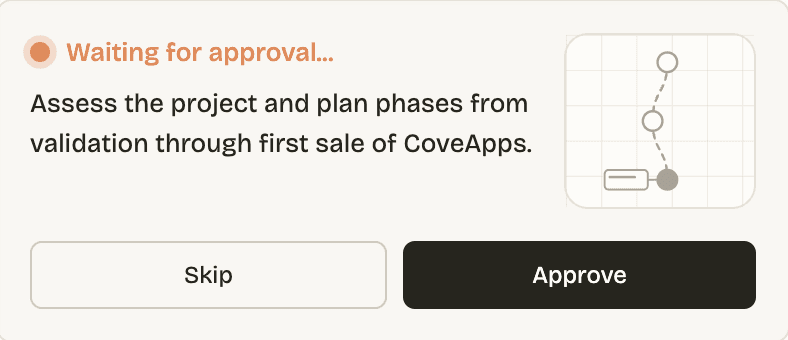
What I love about ultraplan's philosophy is that it doesn't try to plan everything at once. It works from one simple, brutal insight: at any given moment, exactly one constraint is holding your project back more than anything else. So instead of a 12-month roadmap that's already wrong by week two, it identifies that single constraint and builds a detailed, actionable plan to break it, with lighter sketches for whatever comes after.
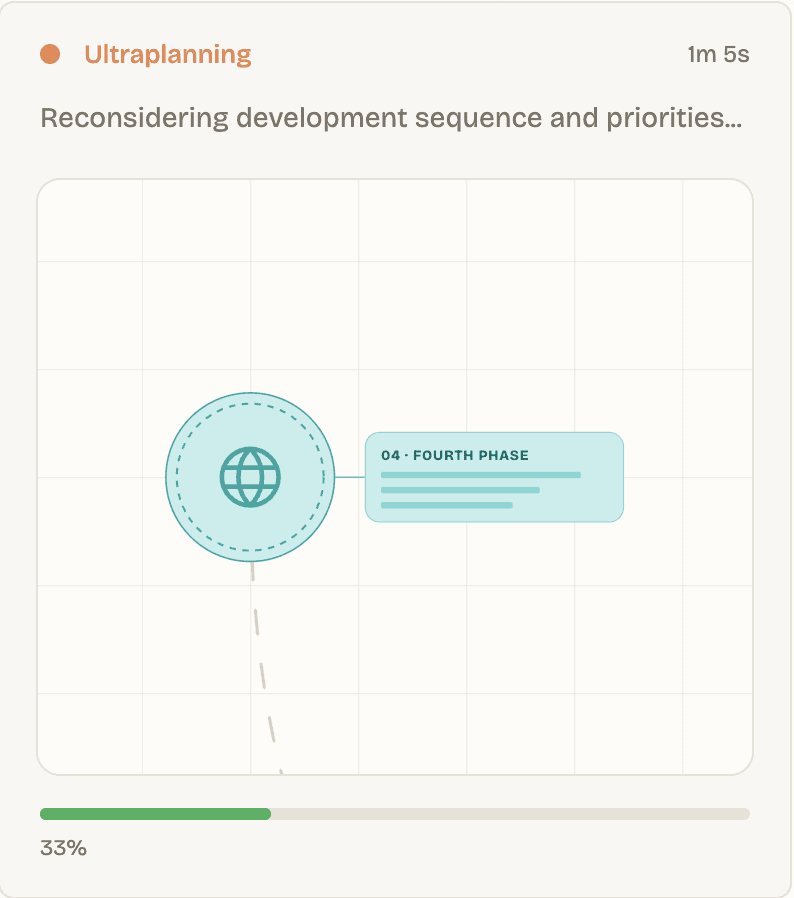
And here's the part that sold me. Remember how my idea was four native apps at once? Ultraplan quietly called that out and narrowed the scope to shipping the journaling app v1 first, with everything sequenced toward a single goal: the first real sale of CoveApps. Look at the roadmap it produced 👇
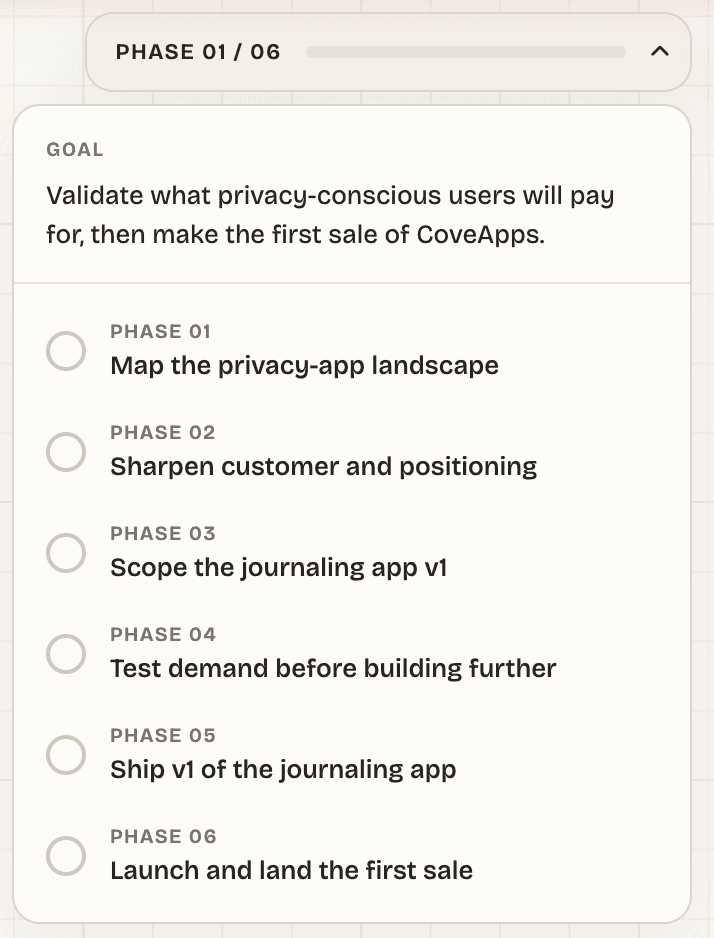
Six phases, in plain language, each one obviously building on the last: map the landscape → sharpen the customer → scope the journaling app v1 → test demand → ship v1 → launch and land the first sale. The whole thing becomes a living plan document on your canvas that you and your AI cofounder work through together. (More in the ultraplan docs.)
I could feel this logic working before the plan was even written: every question targeted the real blocker (was building four apps at once even the right scope? was that customer real?) instead of rushing me toward a shiny deliverable. That restraint is rare, and it's worth a lot.
Research
The other pillar is research, and it's not a single model firing off a couple of web searches 🔍. It's a multi-agent system: a lead agent breaks your question into sub-tasks and delegates them to specialised subagents that search the web and online communities in parallel, then synthesises everything into a detailed report with inline citations.
The team behind ai cofounder say they've benchmarked it against tools like Perplexity and believe it's the best market research available for founders right now. I'd treat that as their claim rather than gospel, but the architecture is clearly more thorough than a standard chatbot search, and the finished reports land straight on your canvas, where your AI cofounder reads them and pulls out the key insights. (See the research docs.)
And this matters a lot, because as any indie hacker knows, research is what stands between "something I think is cool" and "something people actually want." That gap is where most of us quietly bury our weekends 😬.
Pricing & Plans
ai cofounder is credit-based, and here's the part I really appreciate: every plan includes every feature 💰. The plans differ only in how many credits you get each month.
- Pro, $39/month: 200 credits/month (enough for ~5 projects), unused credits roll over, email support.
- Max, $85/month: 500 credits/month (~12 projects), unused credits roll over, premium support.
Both plans come with a 3-day free trial that gives you 20 credits per day, so you can really put it through its paces before paying a cent. Credits reflect the AI work involved: a simple back-and-forth costs little, while research and ultraplanning cost more because they're processing far more information. Need more mid-month? You can buy extra packs (100 credits for $20, or 500 for $100), and your Pro/Max rollovers stay available for a month.
One honest note on credits: because the context-gathering is deep and research/ultraplan are the credit-heavy steps, a serious project will move through credits faster than a casual "let me poke at this for ten minutes" session. The free trial is genuinely the best way to gauge your own pace before committing.
Who Should Use ai cofounder?
It's a strong fit if you are:
- A solo founder or indie hacker who has an idea but no clear, prioritised plan.
- Someone at the validation stage who wants honest pushback instead of cheerleading.
- A non-technical or first-time founder who'd benefit from a structured path from idea to launch.
- Anyone who wants their research, decisions, and roadmap to live in one persistent place instead of scattered across a dozen chat threads.
It's probably not for you if you just want a quick answer and hate being questioned: ai cofounder is opinionated and will deliberately slow you down to get the thinking right. And if you already have a validated product with a detailed roadmap, you may not need this level of hand-holding.
Conclusion
That's a wrap on this ai cofounder review! I came in skeptical and left genuinely impressed, not because it flattered my idea, but precisely because it refused to 🙌.
One of the most compelling ways to use it is for idea validation. If you're sitting on a concept and wondering whether it's worth building, dropping it into ai cofounder and seeing whether you can work through the phases toward a credible plan is a fast, honest gut-check. It will surface the weak assumptions you've been quietly avoiding (mine got flagged within minutes 😅).
What I loved:
- 🧠 The canvas as a persistent, self-updating "brain" for the project. I think this is THE main advantage of ai cofounder. Having a global canvas view of your chats, ideas, roadmap etc is super powerful!
- 🔎 Genuinely rigorous context-gathering that caught a contradiction in my own answers.
- 🎯 Ultraplan's focus on the single biggest constraint instead of a bloated, doomed roadmap.
- 📚 Multi-agent research with citations, delivered straight onto the canvas.
- ✅ Every feature is included on every plan — no annoying tier games.
Things to keep in mind:
- 🐢 It's deliberately slow to commit, so you can't force it to hand over a plan on demand.
- ⏳ The deep, one-question-at-a-time onboarding is great for thinking, but it takes a little patience.
If you want an AI that simply nods along and agrees with you, look elsewhere. But if you want one that actually thinks alongside you the way a real cofounder would, ai cofounder is well worth your time 🚀.
Related Articles
Reviews
Context.dev Review - One API for Scraping, Logos & Brand Data
We've tested Context.dev, a unified Scraping API, Logo API and Brand API that turns any domain into structured, AI-ready data. Markdown crawling for LLMs and RAG, a Clearbit-style Logo Link, and a full Brand API to personalize SaaS onboarding.